Getting started
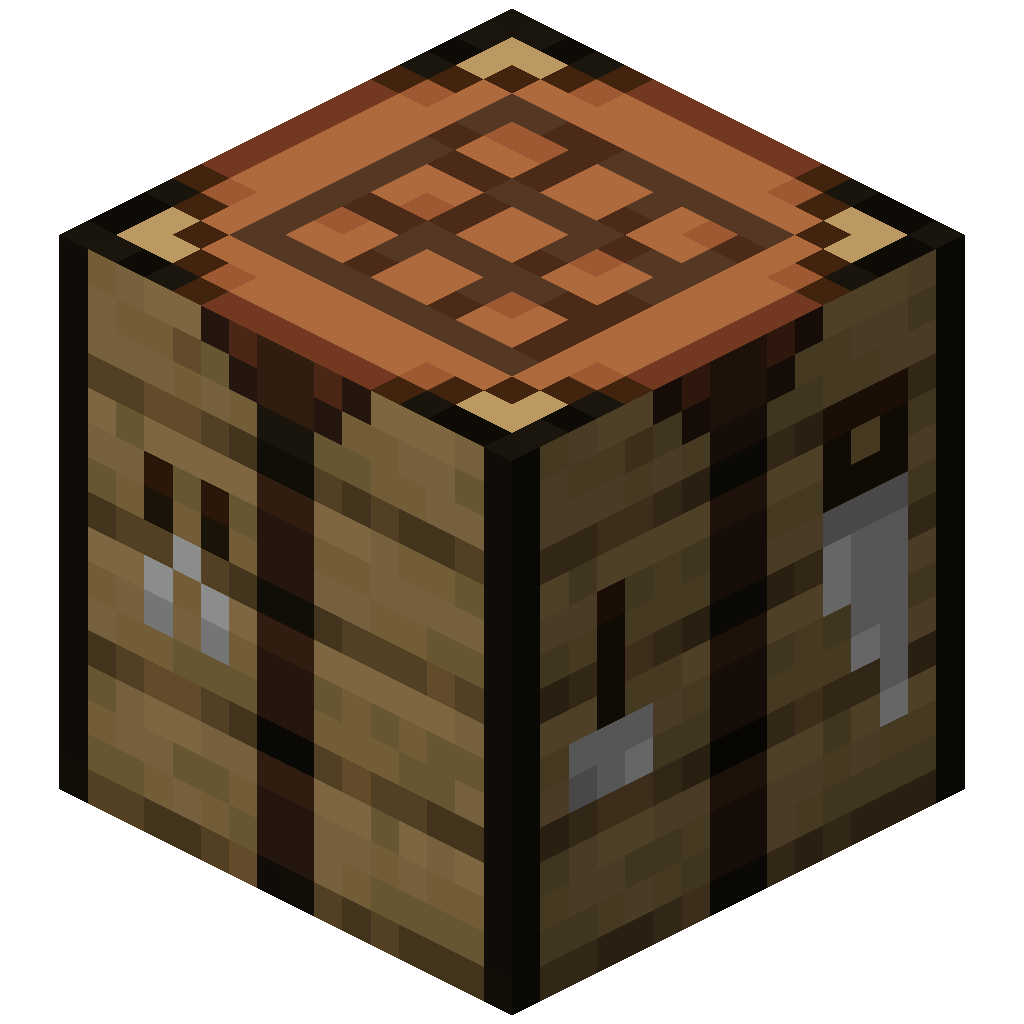
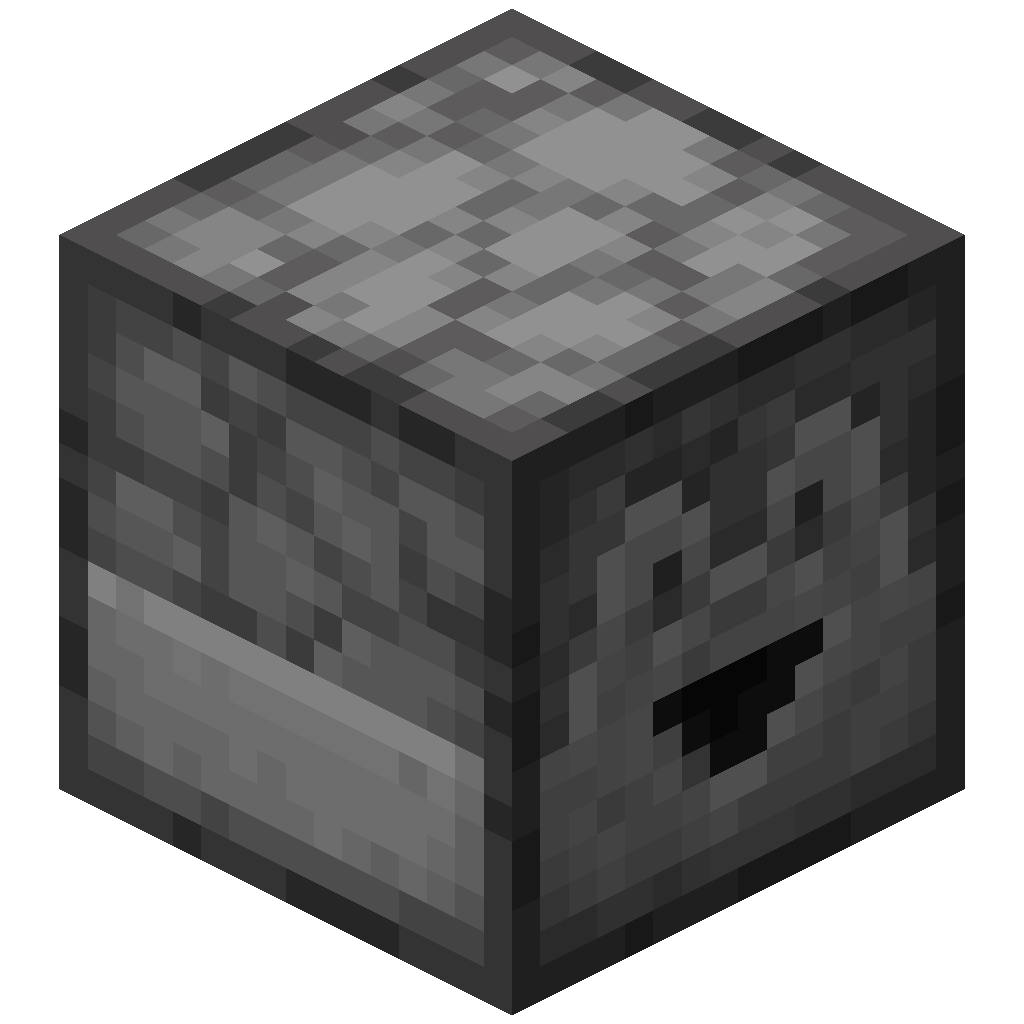
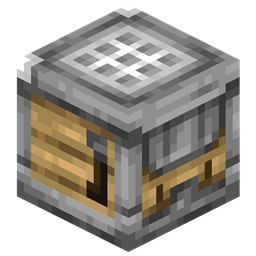
Uncraft Everything adds two blocks that reverse crafting recipes: the Uncrafting Table you operate by hand, and the redstone powered Auto Uncrafting Table.
Installation
Download the mod for your loader and Minecraft version, then put it in your mods folder.
| Platform | Link |
|---|---|
| CurseForge | Download from CurseForge |
| Modrinth | Download from Modrinth |
The mod is needed on both the client and the server.
Your first uncraft
- Craft an Uncrafting Table and place it.
- Put the item you want to take apart in the input slot. The slot turns a color if something is stopping the uncraft; hover it to read why.
- If the item has more than one recipe, pick one from the recipe list on the left.
- Click UnCraft. The ingredients go to your inventory and the experience cost is taken from you.
Hold Shift while clicking UnCraft to keep going until the input stack or your experience runs out.
Changing the rules
Hover the ? icon in the table's screen to see the config commands. Server owners can change the experience cost, block items and more in the common config.
Supported versions
Pages for v2.0.0 and later. Pick an older mod version from the version menu in the top bar.
| Mod loader | Minecraft version | Maintained |
|---|---|---|
| NeoForge, Fabric | 26.3 | ✅ |
| NeoForge, Fabric | 26.2 | ✅ |
| NeoForge, Fabric | 26.1 | ✅ |
| NeoForge, Fabric, Forge | 1.21.11 | ❌ |
| NeoForge, Fabric, Forge | 1.21.10 | ❌ |
| NeoForge | 1.21.1 | ❌ |
| Forge | 1.20.1 | ❌ |
Older versions are no longer updated
Versions before Minecraft 26.1 only receive fixes for critical bugs, because the code differs too much between 1.20.1, 1.21.1 and 26.1.
From the 26.x ports onwards, mod versions start with the Minecraft version they are for, for example 26.3.0.0. See the changelog for what changed in each release.