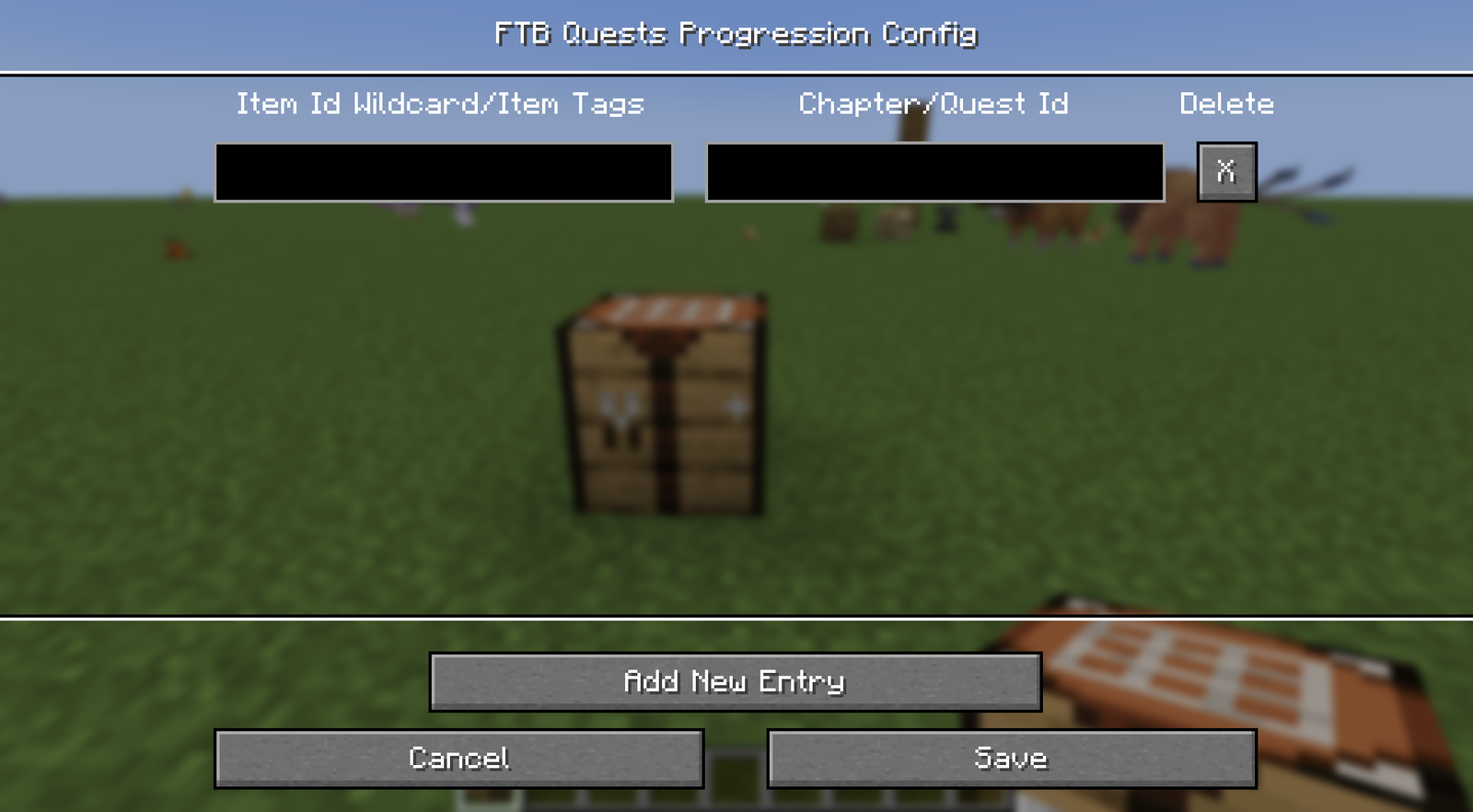
FTB Quests progression config
Locks items from being uncrafted until the player completes a quest or chapter in FTB Quests.
File: config/uncrafteverything-ftbquest-progression.json
Command: /ueconfig progression (creative mode or operator only)
Requirements
FTB Quests must be installed, and enableProgression must be on in the common config.
Format
Entries go in the Progressions object. Each entry maps an item selector to a quest or chapter ID.
| Part | Format | Example |
|---|---|---|
| Key | An item selector: item ID, wildcard or #tag | minecraft:diamond_* |
| Value | The ID of a quest or chapter, copied from FTB Quests | 6E52157866E1EC7F |
Items without an entry can be uncrafted as usual, unless onlyAllowDefinedProgression is on.
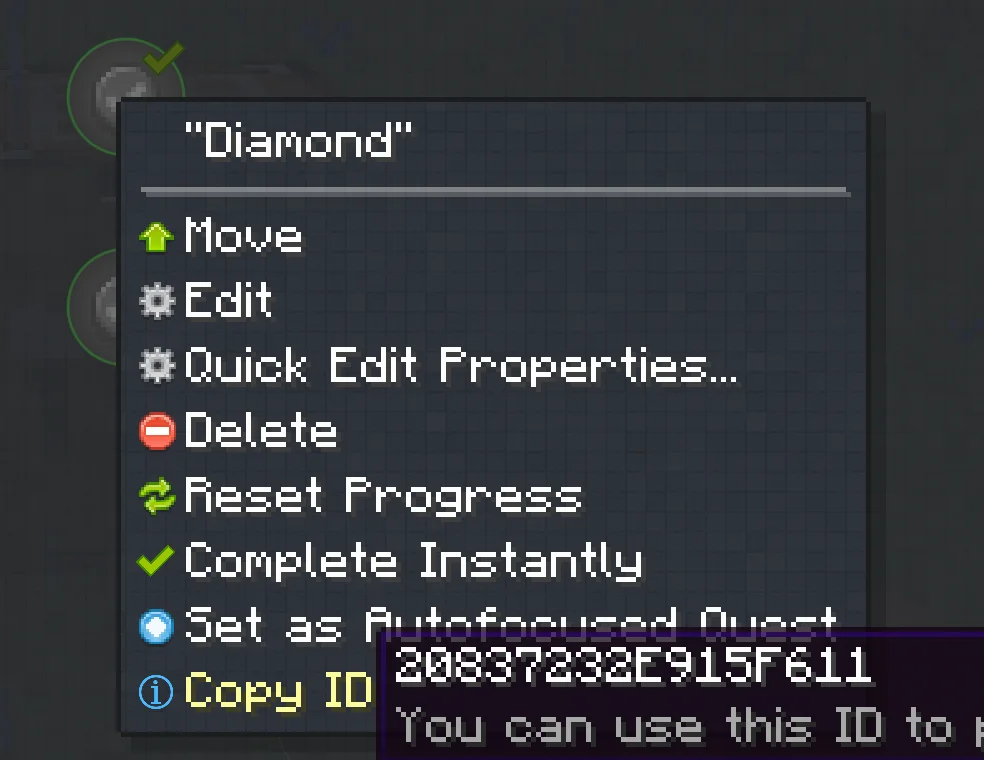
Getting a quest ID
Right-click a quest or chapter in the FTB Quests book while in edit mode and copy its ID.
Example file
{
	"Progressions": {
		"minecraft:diamond_*": "6E52157866E1EC7F"
	}
}
In-game screen
Run /ueconfig progression to add, edit and delete entries. The command is only available with FTB Quests installed, to players in creative mode or with operator permission.