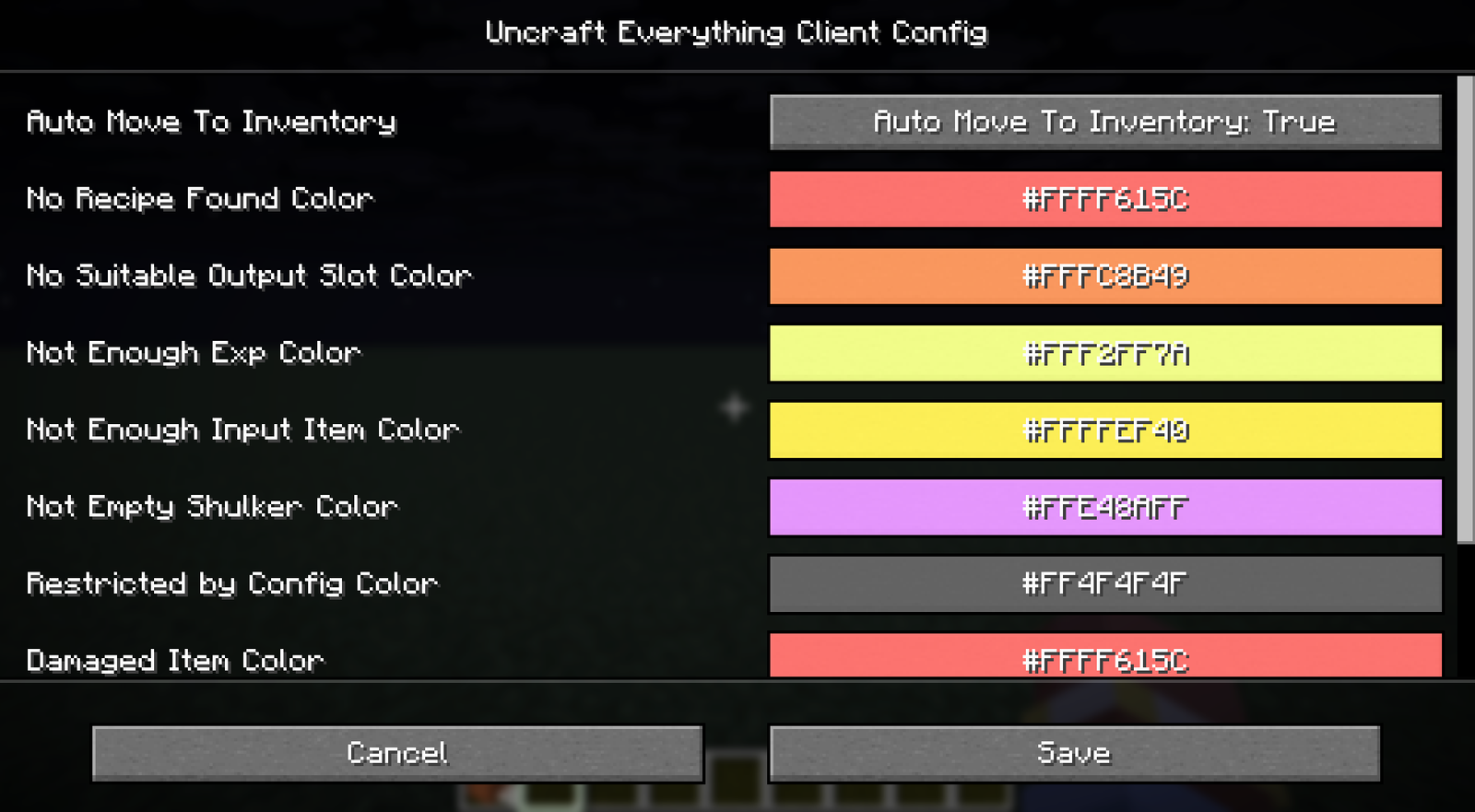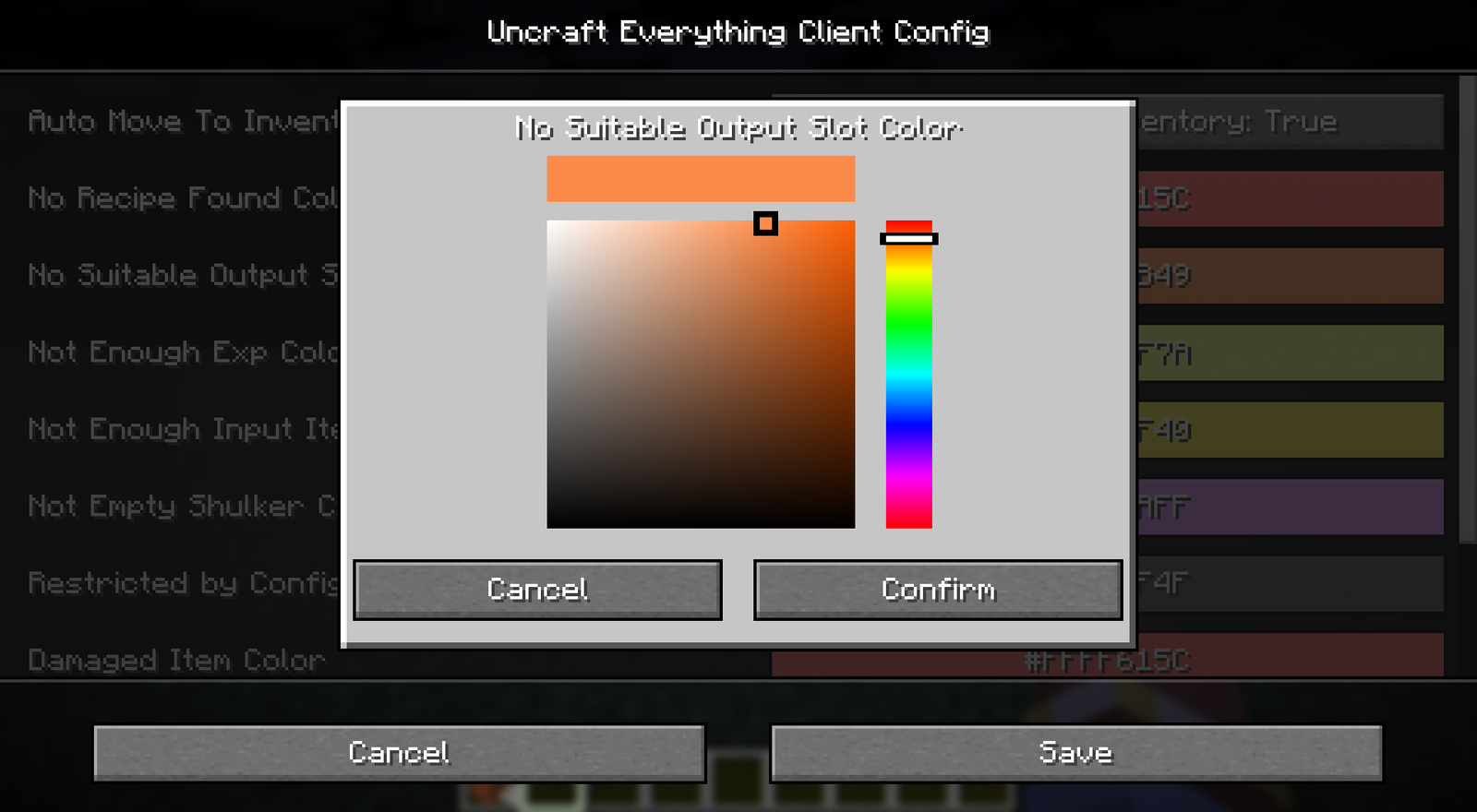
Client config
The client config holds settings that only affect your own screen, such as the status overlay colors. Each player sets them for themselves, and the server can't change them. Added in v2.0.0.
File: config/uncrafteverything-client.toml
Command: /ueconfig client
Options
Behaviour
| Setting | Type | Default | Description |
|---|---|---|---|
autoMoveToInventory | Boolean | true | Moves uncrafted items into your inventory when you click UnCraft. Items that don't fit are dropped. Does not apply to the Auto Uncrafting Table. |
StatusColor
The overlay color on the input slot for each reason an item can't be uncrafted.
| Setting | Default | Used when |
|---|---|---|
noRecipeFound | -40612#FFFF615C | No Recipe Found |
noSuitableOutputSlotColor | -226487#FFFC8B49 | No Suitable Output Slot |
notEnoughExpColor | -852102#FFF2FF7A | Not Enough Exp |
notEnoughInputItemColor | -4288#FFFFEF40 | Not Enough Input Item |
notEmptyShulkerColor | -1799425#FFE48AFF | Not Empty Shulker |
restrictedByConfigColor | -11579569#FF4F4F4F | Restricted By Config |
damagedItemColor | -40612#FFFF615C | Damaged Item |
enchantedItemColor | -40612#FFFF615C | Enchanted Item |
lockedItemColor | -40612#FFFF615C | Locked Item |
progressionNotDefinedColor | -40612#FFFF615C | Progression Not Defined |
Color format
Colors are stored as a signed decimal of the ARGB hex value. For example, #FFFF615C (opaque red) is written as -40612. The in-game screen has a color picker, so you rarely need to convert by hand.
Example file
toml
# UncraftEverything Client Configuration

[Behaviour]
	# Auto move uncrafted items to player inventory, drops to world if inventory is full.
	autoMoveToInventory = true

[StatusColor]
	# Overlay color for No Recipe Found
	noRecipeFound = -40612
	# Overlay color for No Suitable Output Slot
	noSuitableOutputSlotColor = -226487
	# Overlay color for Not Enough Exp
	notEnoughExpColor = -852102
	# Overlay color for Not Enough Input Item
	notEnoughInputItemColor = -4288
	# Overlay color for Not Empty Shulker
	notEmptyShulkerColor = -1799425
	# Overlay color for Restricted By Config
	restrictedByConfigColor = -11579569
	# Overlay color for Damaged Item
	damagedItemColor = -40612
	# Overlay color for Enchanted Item
	enchantedItemColor = -40612
	# Overlay color for Locked Item
	lockedItemColor = -40612
	# Overlay color for Progression Not Defined
	progressionNotDefinedColor = -40612
In-game screen
Run /ueconfig client to edit these settings with a color picker.